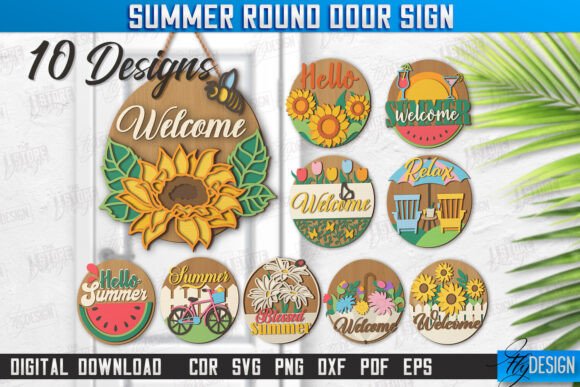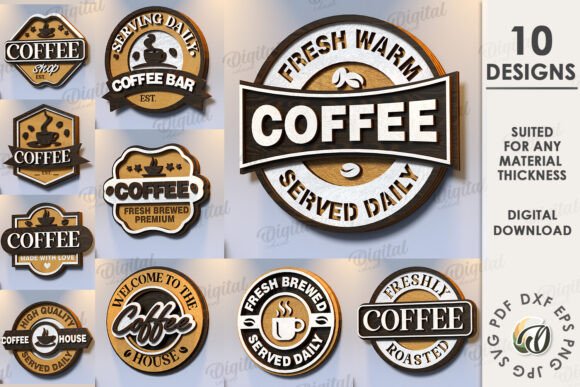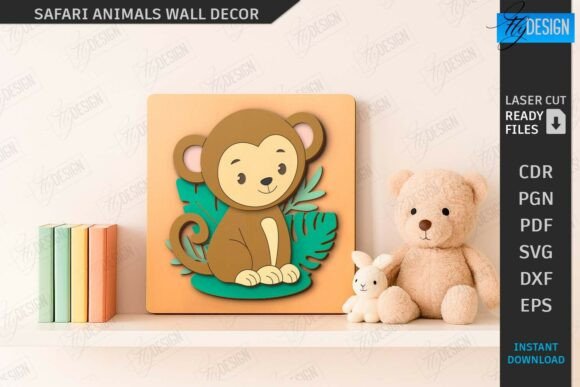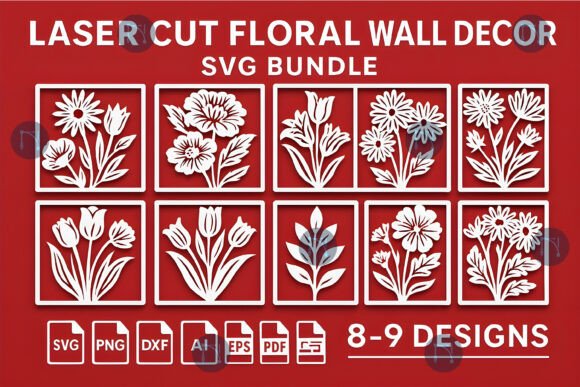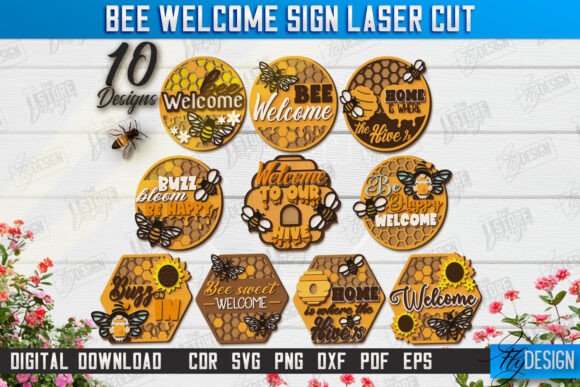
Bee Welcome Signs Laser Cut Bundle: Summer Front Door Decor
Imagine the warm, inviting buzz of a summer afternoon captured perfectly in a piece of home decor. That’s the feeling you can create with the right design assets, and a high-quality laser cut file bundle is your first step toward a charming, personalized project. This particular collection is designed to bring that cheerful, bee-themed aesthetic to life for makers and crafters.
This digital bundle is a comprehensive toolkit for anyone with a laser cutting machine or CNC router. It’s built for creators who want to produce beautiful, intricate welcome signs without starting from scratch. The value here lies in its versatility and the sheer number of options provided, giving you a range of designs to suit different tastes and project scales.
What’s Inside This Creative Bundle?
Upon purchase, you receive a zip archive packed with professional-grade files ready for your cutting software. The bundle is structured to ensure compatibility and ease of use across the most popular platforms.
- 10 SVG files - Vector-based and infinitely scalable.
- 10 EPS files - Another robust vector format for advanced editing.
- 10 PNG files - High-resolution with transparent backgrounds, perfect for digital mockups or print.
- 10 PDF files - Universal format for viewing and printing patterns.
- 10 DXF files - A widely compatible CAD format.
A key tip for users of Lightburn software: the SVG format can sometimes distort dimensions. For the most accurate and reliable results in Lightburn, it is highly recommended to use the provided DXF files instead. This small adjustment can save you time and material during your first test cut.
Creative Projects and Practical Applications
While the primary use is crafting stunning summer front door decor, the potential of these design assets extends much further. Think of the individual bee motifs, lettering styles, and decorative elements as building blocks for a variety of creative endeavors. This bundle is a fantastic resource for more than just one project.
Consider using these files to create custom merchandise like wooden coasters or keychains for a local craft fair. The bee and honeycomb designs are perfect for branding a local apiary, a garden club, or a summer-themed small business. You could even adapt the welcome sign layout into a unique piece of wall art for a sunroom or kitchen, adding a touch of handcrafted charm to your interior design.
Tips for Choosing and Using Your Design Files
To get the most out of any digital design asset, a little planning goes a long way. Here are some practical considerations to ensure your project turns out polished and professional.
- Match the Material: Visualize how the intricate cuts will look in your chosen material. Birch plywood offers a classic, warm look, while acrylic can provide a modern, colorful finish.
- Test and Adjust: Always perform a small test cut on a scrap piece of your material. This helps you fine-tune your machine’s power and speed settings for clean, precise edges.
- Consider Scale: The vector files (SVG, EPS, DXF) allow you to resize the designs without losing quality. Experiment with different scales for a door sign versus a smaller tabletop decoration.
- Software Compatibility: Verify that your laser or CNC software can open the provided file formats. The inclusion of multiple formats (SVG, DXF, EPS, PDF, PNG) is designed to cover most major applications.
Choosing a well-organized bundle like this one streamlines your workflow, letting you focus on the creative aspects of making rather than the technical hurdles of file conversion. It’s about having a reliable foundation for your ideas, ensuring your final product looks intentional and crafted with care. If you ever need a different file type or a specific size for the PNG backgrounds, the creator is open to requests, which adds a valuable layer of customization and support to your purchase.